
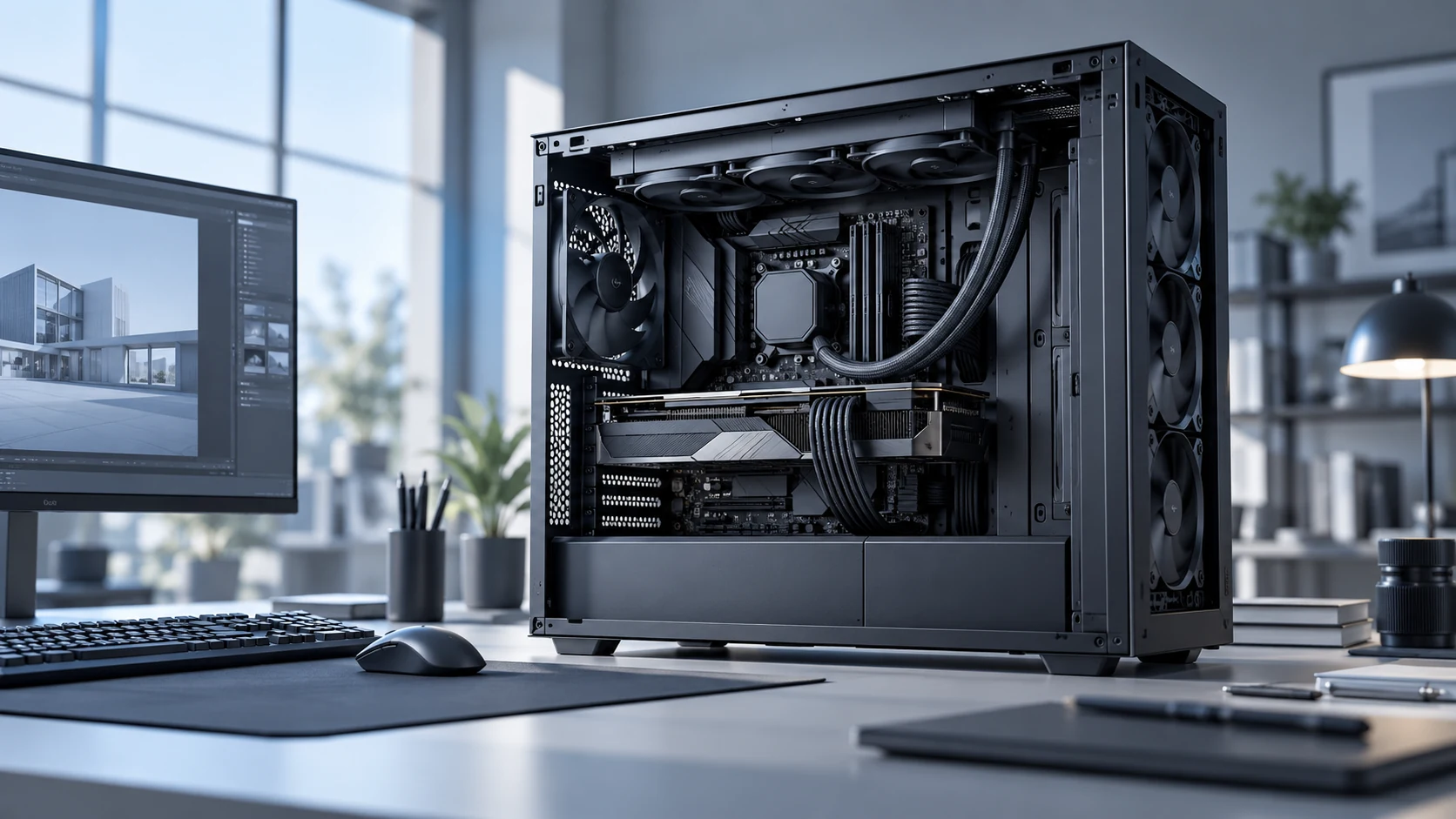
Sustained cooling
Airflow options for long CPU/GPU workloads and professional systems.
Balanced airflow and low noise for professional desktop systems
Understanding the specific thermal and environmental demands of Workstation and Creator PC Cooling environments is the foundation of every Herays solution.
Professional workstations — used for video editing, 3D rendering, music production, CAD/CAM, machine learning inference, and scientific computation — combine high sustained CPU and GPU thermal loads with a user population that is uniquely sensitive to acoustic performance. A video editor or audio engineer working in a home studio tolerates zero fan noise during recording and mixing sessions. A 3D rendering workstation may run at 100% GPU load for hours. The cooling system must deliver maximum thermal performance when computation demands it and acoustic near-silence when the user is concentrating. These requirements are fundamentally at odds and require careful engineering to reconcile.
Herays HR1225 and HR1238 12V fans with ball-bearing construction and smooth PWM speed control are suitable for professional workstation cooling, providing the dynamic range from ultra-quiet idle to high-performance full-load operation that creator PC users require.
How do I eliminate fan vibration transfer to a microphone or audio interface in a recording environment? Use silicone anti-vibration fan mounts (available in standard M4 fan screw sizes) to mechanically decouple the fan from the chassis. Ground the chassis securely to the audio interface and room electrical ground to prevent fan motor commutation noise from coupling into audio ground planes. For extreme noise-sensitivity recording work, consider a remote chassis (fan-cooled machine in an adjacent room) connected to the workstation via Thunderbolt cable extension.
What is the best fan speed control strategy for a rendering workstation? Use temperature-based PWM control with a slow ramp rate (10–15 RPM/second) and a thermal hysteresis band of 5–8°C. This prevents speed hunting around the setpoint temperature. Set the minimum fan speed to the lowest reliably-starting speed (typically 300–400 RPM for ball-bearing fans) rather than zero — fans that stop and restart are more acoustically jarring than fans at very low constant speed.
How many case fans does a dual-socket workstation need? A dual-socket workstation dissipating 400–600 W needs 8–12 CFM of case airflow per 10 W of heat dissipation as a rough starting point. At 500 W total, that is 400–600 CFM — which requires 3–5 high-airflow 120 mm fans or a combination of case fans and CPU cooler fans. Front intake and top/rear exhaust is the standard architecture; avoid side-panel fans that create turbulent cross-flow.
Contact Herays for workstation fan specifications, low-vibration mounting options, and OEM supply for professional workstation system builders.
Precision-engineered DC fan technologies tailored to the performance and reliability requirements of Workstation and Creator PC Cooling applications.
Airflow options for long CPU/GPU workloads and professional systems.
Acoustic-focused fan selections for office and studio environments.
Custom appearance and packaging for workstation brands.
Herays DC fan and blower products engineered to meet the performance requirements of Workstation and Creator PC Cooling systems.
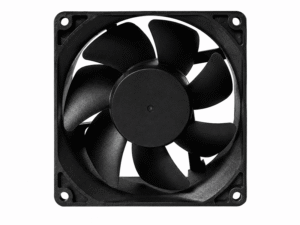 DC Axial Fan
DC Axial Fan
DC Axial Fan
DC Axial Fan
DC Axial Fan
DC Axial Fan
DC Axial Fan
DC Axial Fan
DC Axial Fan
DC Axial Fan
DC Axial Fan
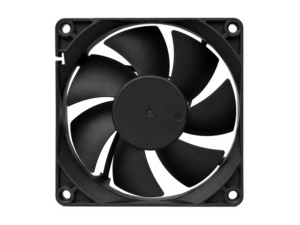 DC Axial Fan
DC Axial Fan
DC Axial Fan
Our application engineers are available to help you select the right product for your system requirements.