
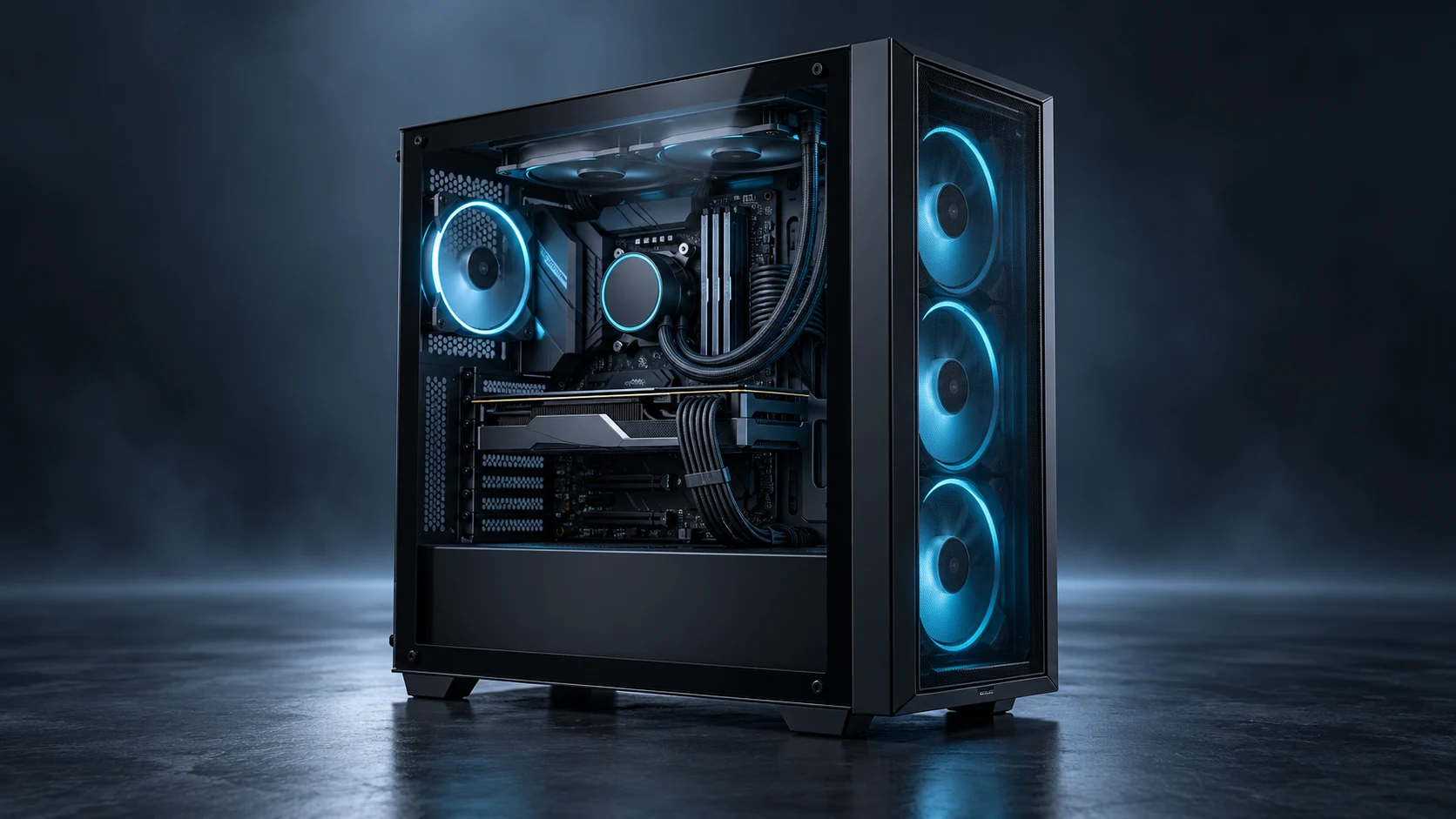
Gaming airflow
Fan options for intake, exhaust, radiator airflow, and high-performance PC cases.
Quiet, stylish airflow for gaming cases and consumer desktop systems
Understanding the specific thermal and environmental demands of Gaming PC Case Cooling environments is the foundation of every Herays solution.
Gaming PC builds demand cooling systems that perform across wildly different operating conditions: a desktop running a game at 250 W GPU load during an intense session, then near-idle at 15 W during desktop use — all while maintaining acoustics acceptable for a bedroom or living room setup. The challenge is not raw thermal performance; modern 120 mm fans can dissipate enormous heat loads. The challenge is doing it quietly at partial load, loudly only when the workload demands it, and without introducing coil whine, bearing rattle, or resonance that experienced PC builders will immediately notice and report.
Herays HR1225 12V fans provide ball-bearing reliability and smooth PWM speed control suitable for gaming PC case cooling, available in both standard and signal-feedback variants for 4-pin motherboard header compatibility.
How many intake fans versus exhaust fans should I use in a gaming case? Slight positive pressure (more intake CFM than exhaust CFM) is generally recommended. It reduces dust accumulation by pushing air out through case seams rather than drawing it in, and keeps the GPU intake from recirculating exhaust air. A typical mid-tower setup: two 120 mm intake fans at front, one 120 mm exhaust at rear, one 120 mm exhaust at top — with intake filters on the intakes.
Does fan blade count affect noise character? Yes. More blades (9–11) spread the same airflow over more blade passes per revolution, reducing the peak pressure pulse at any given blade passing frequency. The result is a smoother, less tonal sound character compared to 7-blade fans at equivalent RPM. For cases where acoustic character matters as much as acoustic level, higher blade count fans are preferred at similar noise measurements.
Is it worth using three 120 mm fans versus one 360 mm radiator for CPU cooling? For CPUs up to 250 W TDP, a 360 mm AIO with three 120 mm fans is thermally equivalent to a well-sized air cooler with large fans — the benefit of AIO liquid cooling is compactness and aesthetic rather than thermal performance at this power level. Above 300 W (AMD Threadripper, Intel Extreme Edition), liquid cooling becomes thermally necessary rather than optional.
Contact Herays for gaming case fan specifications, custom connector options, and OEM volume pricing for PC case manufacturers and system builders.
Precision-engineered DC fan technologies tailored to the performance and reliability requirements of Gaming PC Case Cooling applications.
Fan options for intake, exhaust, radiator airflow, and high-performance PC cases.
Balanced airflow and acoustic choices for consumer desktop environments.
Support for LED, RGB, ARGB, label, cable, and packaging customization.
Herays DC fan and blower products engineered to meet the performance requirements of Gaming PC Case Cooling systems.
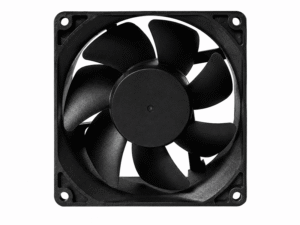 DC Axial Fan
DC Axial Fan
DC Axial Fan
DC Axial Fan
DC Axial Fan
DC Axial Fan
DC Axial Fan
DC Axial Fan
DC Axial Fan
DC Axial Fan
DC Axial Fan
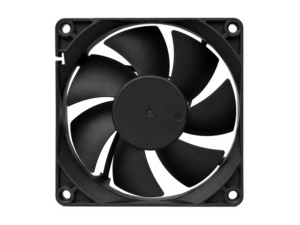 DC Axial Fan
DC Axial Fan
DC Axial Fan
Our application engineers are available to help you select the right product for your system requirements.