
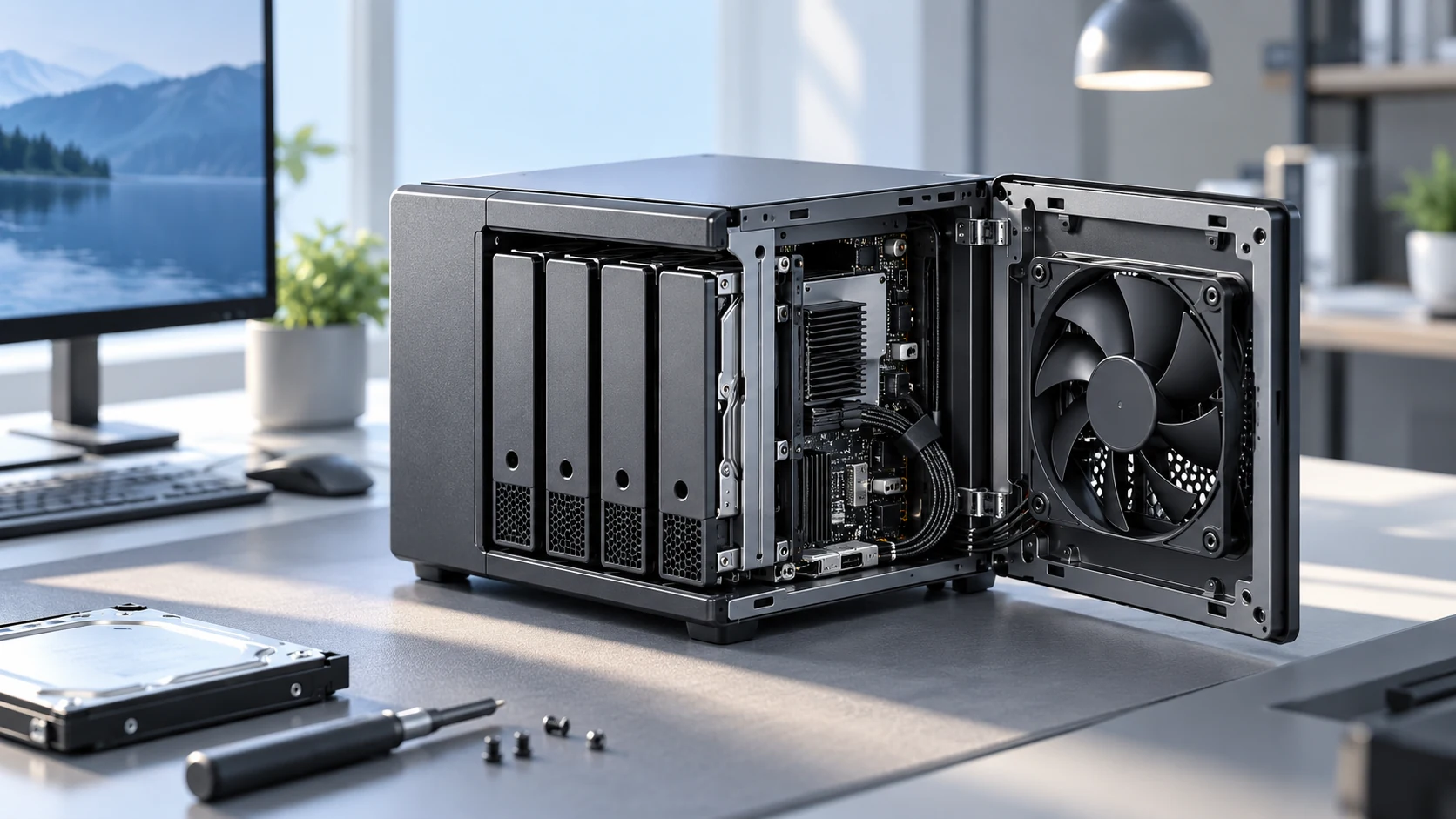
Storage airflow
Cooling for drive bays, boards, and compact server chassis.
Reliable low-noise airflow for storage and home server systems
Understanding the specific thermal and environmental demands of NAS and Home Server Cooling environments is the foundation of every Herays solution.
Network Attached Storage (NAS) systems and home server builds are permanently-on devices that must balance three competing requirements that rarely need to be balanced simultaneously in any other consumer or prosumer electronics application: near-silent acoustic performance (because they operate continuously in living spaces), reliable thermal management for hard drives that fail rapidly above 45°C, and long maintenance-free service life without access to a component replacement cadence. The cooling fan in a NAS is arguably the component whose failure is most consequential — fan failure leads to drive overheating, which leads to data loss.
Engineering requirements for NAS and home server cooling fans:
Herays DC axial fans with ball-bearing construction and low-noise profiles are appropriate for NAS enclosures and home server chassis, available in 12V variants across sizes from compact to 120 mm for larger storage systems.
Tachometer output (−SF variants) is essential for NAS applications — the NAS operating system (TrueNAS, Synology DSM, QNAP QTS) uses fan RPM feedback for health monitoring and will generate a health warning if a fan falls below its minimum RPM threshold. Without tachometer output, the NAS cannot distinguish a failed fan from a running fan at low speed.
What fan noise specification should I target for a NAS in a bedroom or living room? Target a system acoustic emission below 20 dBA at 1 m for bedroom installations; 25 dBA is acceptable for home office and media room use. This requires the fan to run at minimum speed (20–30% PWM) during idle, which for a 120 mm fan with a 2,000 RPM maximum speed means operation around 500–600 RPM. At those speeds, blade passing frequency and bearing noise should both be below the threshold of audibility at 1 m in a quiet room (approximately 18 dBA floor).
How do I calibrate fan speed to hard drive temperature rather than chassis temperature? Install temperature sensors on or near each drive bay (S.M.A.R.T. drive temperature reporting is the most convenient source in most NAS software). Configure the fan controller to maintain drive temperatures below 42°C, ramping fan speed up as the thermal envelope is approached. This protects drives during sustained write operations (backups, RAID rebuilds) when drive temperatures spike independently of ambient chassis temperature.
Is it better to run one large fan at low speed or two smaller fans at minimum speed in a NAS? One large fan at low speed is almost always quieter. Larger diameter fans move the same airflow at lower RPM, which reduces both blade passing frequency noise and bearing noise. Two small fans at higher RPM to match the same airflow will be audibly louder. Only use dual-fan configurations when single-fan failure tolerance (N+1) is a design requirement.
Contact Herays for NAS fan specifications, compact format availability, and tachometer output documentation compatible with major NAS software platforms.
Precision-engineered DC fan technologies tailored to the performance and reliability requirements of NAS and Home Server Cooling applications.
Cooling for drive bays, boards, and compact server chassis.
Low-noise options for always-on home and office equipment.
PWM and tachometer options for system monitoring.
Herays DC fan and blower products engineered to meet the performance requirements of NAS and Home Server Cooling systems.
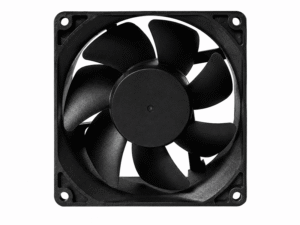 DC Axial Fan
DC Axial Fan
DC Axial Fan
DC Axial Fan
DC Axial Fan
DC Axial Fan
DC Axial Fan
DC Axial Fan
DC Axial Fan
DC Axial Fan
DC Axial Fan
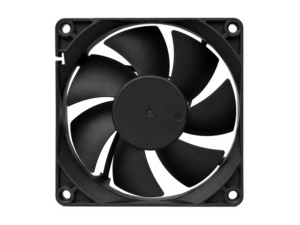 DC Axial Fan
DC Axial Fan
DC Axial Fan
Our application engineers are available to help you select the right product for your system requirements.