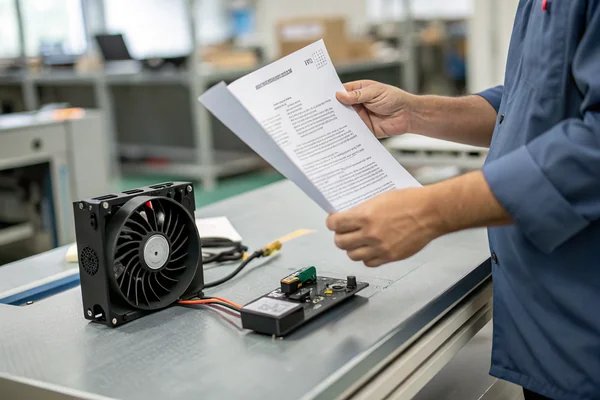
If your 3D prints are failing, inadequate cooling is a likely cause. However, choosing the wrong replacement fan can exacerbate the problem. To select the correct component, you must first understand the specific cooling requirements for each part of the printer.
A 3D printer uses distinct fans for the hotend, part cooling, and electronics enclosure. The hotend requires a high-static-pressure fan, part cooling needs a high-velocity blower, and the electronics benefit from a quiet, reliable axial fan. Matching the fan's design to its specific function is critical for performance.
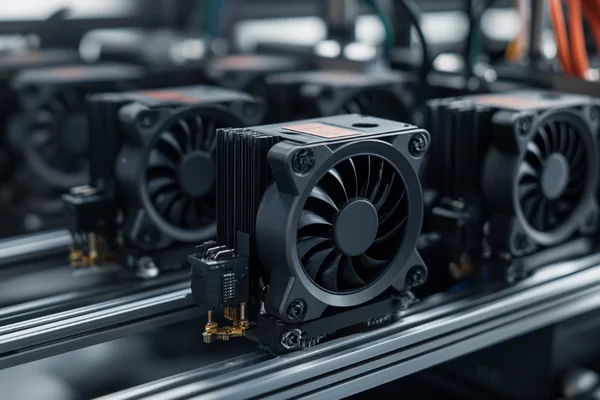
As a supplier of DC fans, we frequently field questions about selecting the right models for 3D printers. A common misconception is that any fan of the correct physical size will suffice. This approach often leads to failed prints and can even risk hardware damage. The goal is not to find a single "best" fan, but to recognize that a printer is a system of distinct thermal zones. Each zone has a unique cooling requirement that dictates the necessary fan technology.
Table of Contents
Why Do 3D Printers Need Multiple Fans?
While the fans on a 3D printer may look similar, they are not interchangeable. Each one performs a distinct and critical function.
3D printers use multiple fans because each thermal zone has a unique cooling requirement. The hotend fan must prevent heat creep1, the part cooling fan must rapidly solidify the print material, and the mainboard fan must keep the electronics from overheating. A single fan design cannot perform all these tasks effectively.
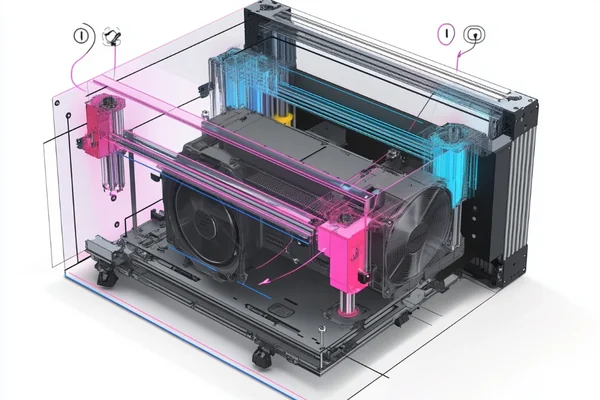
This specialization is a frequent source of confusion. For example, a customer might request a "quiet 40mm fan" without specifying its application. A fan designed for low-noise electronics cooling will lack the static pressure needed for a hotend, leading to filament jams. The underlying engineering is fundamentally different for each application. To achieve reliable, high-quality prints, it's essential to match the fan to its designated role.
The Three Core Cooling Jobs
| Cooling Zone | Primary Function | Consequence of Failure |
|---|---|---|
| Hotend | Keep the "cold end" cool to prevent heat creep. | Filament jams, under-extrusion. |
| Part Cooling | Rapidly solidify the molten plastic layer2. | Messy overhangs, poor bridging, weak parts. |
| Electronics | Ventilate the mainboard and power supply (PSU). | Component failure, random printer resets3. |
Understanding this separation is the first step. Now, let's look at the specific fan requirements for each of these jobs.
What Are the Hotend Cooling Fan Requirements?
Extruder jams caused by heat creep are a common failure point. If replacing the fan doesn't solve the issue, it's likely that the new fan has the wrong performance characteristics for the application.
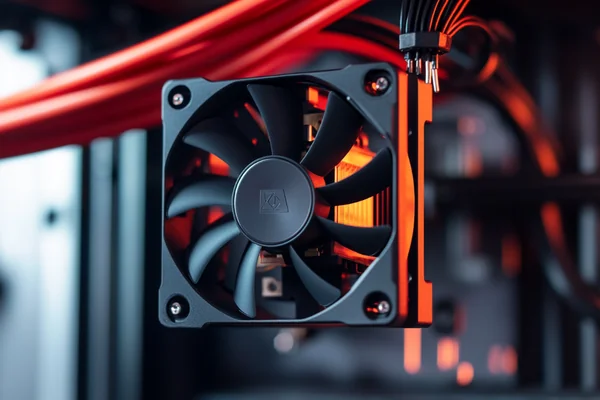
A hotend cooling fan must overcome the high air resistance of a heatsink. This requires a fan selected for high static pressure, not just high airflow (CFM)4. High pressure ensures air is forced through the dense fins, preventing heat from migrating up the filament path.
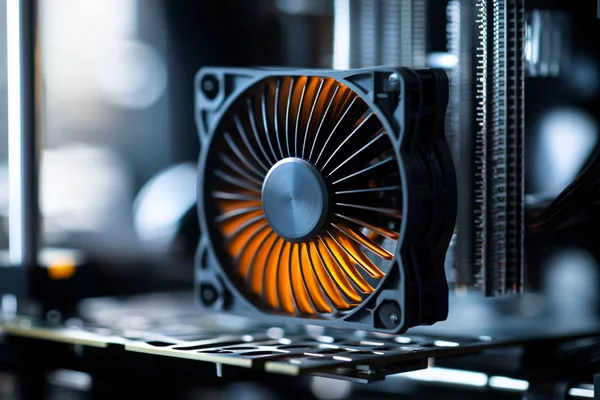
Using a standard PC case fan for a hotend is a frequent mistake. Fan datasheets show that these models are optimized for high airflow in low-resistance environments. A hotend heatsink is a high-resistance system—a dense array of metal fins that creates significant back-pressure.
- High-Airflow Fans are designed for unrestricted spaces. They move a large volume of air but have little power to push against an obstacle.
- High-Static Pressure Fans are engineered to overcome resistance. They can force air through impediments like heatsinks, filters, or dense component layouts.
A standard axial fan will stall against the heatsink's resistance, failing to move enough air. This allows heat to "creep" up from the nozzle, soften the filament too early, and cause a jam5. A hotend requires a fan specifically engineered for high static pressure, such as a small blower or a specialized high-pressure axial model.
Part Cooling Fan: High Airflow vs Static Pressure?
Poorly formed overhangs and bridges are often a sign of inadequate part cooling. The solution is not simply more airflow, but the correct type of airflow.
Part cooling requires a fan that creates a focused, high-velocity stream of air. A radial blower fan, such as the common 5015 model, is ideal. It directs airflow precisely onto the newly extruded layer, solidifying it immediately for improved print quality.
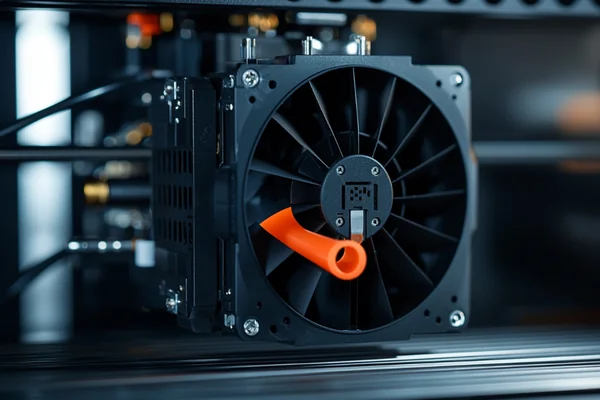
The goal of part cooling is to deliver a powerful, targeted stream of air to the exact point where the nozzle deposits fresh plastic. This task highlights the fundamental differences between axial and radial fan designs.
Axial vs. Radial (Blower) Fans
- Axial Fans: These common "computer-style" fans move a large volume of air in a wide, diffuse pattern. While excellent for general case ventilation, their airflow is too broad and gentle for precise part cooling.
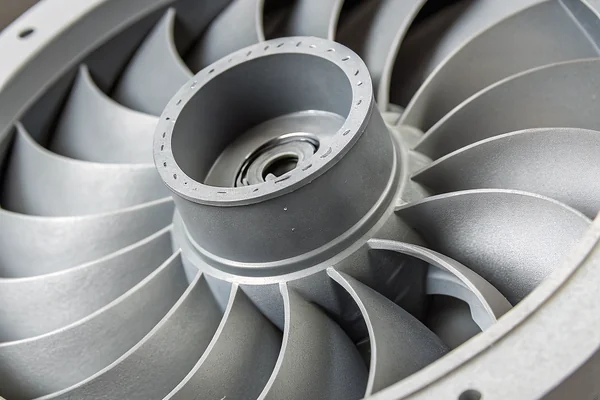
- Radial (Blower) Fans: These fans draw air in from the center and expel it at a 90-degree angle through a narrow outlet. This design naturally creates a high-velocity jet of air6, making it highly effective for targeted cooling.
A blower fan accelerates air and directs it to a single point. This is why nearly all high-performance part cooling ducts are designed for blower fans. They provide the focused airflow needed to cool the part without inadvertently cooling the nozzle, which dramatically improves fine details, overhangs, and bridging.
What About Control Board and PSU Cooling?
For many users, the fan cooling the electronics is a primary source of noise. While replacing it for a quieter model is possible, selecting the correct replacement is crucial for system reliability.
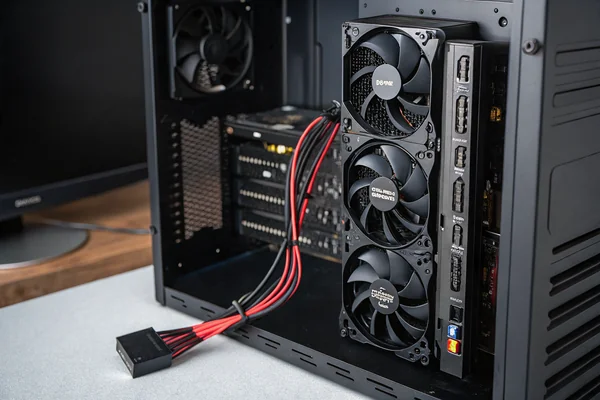
For the control board and power supply (PSU), the primary requirements are long-term reliability and low acoustic noise. A standard DC axial fan is well-suited for this task. Select a model with a high-quality bearing system, such as dual ball bearings, for maximum lifespan, and ensure it matches the required voltage and dimensions.
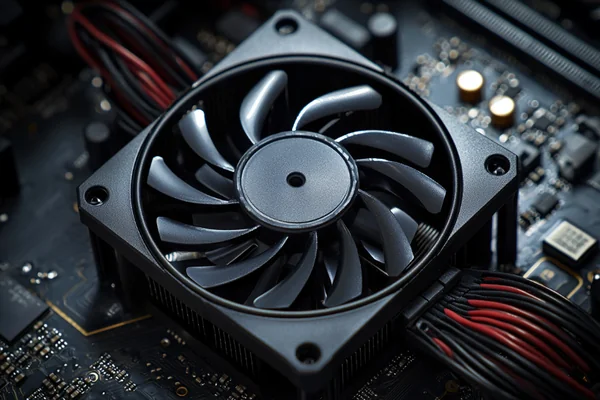
Unlike a hotend heatsink, an electronics enclosure is typically a low-resistance environment. High static pressure is not the main concern; the goal is simply to ensure sufficient air exchange to prevent the stepper motor drivers and main processor from overheating7. For this application, the key selection criteria become longevity and noise level, which are largely determined by the fan's bearing type. This is a critical specification for industrial clients and is equally important for a 3D printer intended for long-duration operation.
Bearing Types Explained
| Bearing Type | Pros | Cons | Best For... |
|---|---|---|---|
| Sleeve Bearing | Inexpensive, very quiet when new. | Wears out faster, can fail in hot environments8. | Low-use applications where noise is critical. |
| Dual Ball Bearing | Extremely durable, long lifespan9. | Slightly louder, higher cost. | Continuous, 24/7 operation and reliability. |
For a mainboard or PSU cooling fan, a dual ball bearing model is the superior long-term investment. It provides reliable performance for tens of thousands of hours, safeguarding your electronics. A sleeve bearing fan may be quieter initially, but its lubricant will degrade more quickly, especially in the warm environment of an electronics enclosure, leading to premature failure.
What Are the Recommended Sizes and Specs for Popular 3D Printers?
Once you know the required fan type for each function, you must verify the specific electrical and physical requirements of your printer before purchasing a replacement.
Always verify your specific printer's requirements before buying a replacement fan. Most modern printers use 24V DC fans, while many older models use 12V. Common sizes include 4010 axial fans (40x10mm) for hotends and 5015 blowers (50x15mm) for part cooling. Confirm the voltage printed on your original fan and measure its physical dimensions.
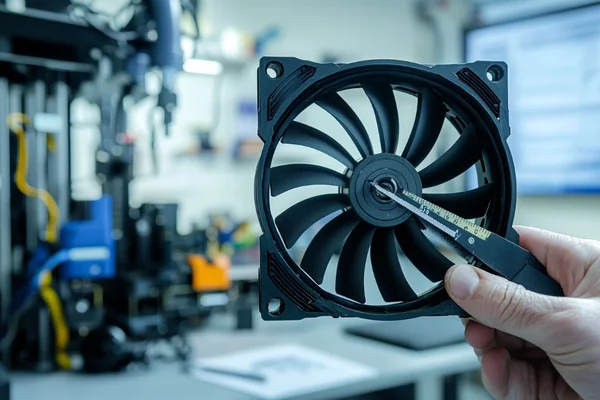
There is no universal standard for 3D printer fans. Installing a fan with the incorrect voltage can instantly destroy the new fan, the printer's mainboard, or both. The only way to be certain of the requirements is to inspect the existing hardware. The label on the original fan will list its operating voltage (V) and current (A). Use calipers to measure the fan's width, height, and depth in millimeters. For example, a "4010" fan measures 40mm wide, 40mm tall, and 10mm deep.
The following table provides general guidance for popular printer families based on common configurations. This information is for reference only; always treat it as a starting point and verify the specifications of your own machine.
General Fan Guide (Verify Your Own Machine!)
| Printer Family | Location | Typical Voltage | Common Fan Size / Type |
|---|---|---|---|
| Creality Ender 3 | Hotend | 24V | 4010 Axial Fan |
| Part Cooling | 24V | 4010 Blower Fan | |
| Mainboard | 24V | 4010 Axial Fan | |
| Prusa i3 MK3/MK4 | Hotend | 5V | 4010 Axial Fan (Noctua is a popular mod) |
| Part Cooling | 5V | 5015 Blower Fan | |
| Voron | Hotend | 24V | 4010 or 4020 Axial Fan (High pressure needed) |
| Part Cooling | 24V | 5015 Blower Fan | |
| Electronics | 24V | 60mm+ Axial Fan |
Conclusion
Selecting the correct 3D printer fan is a matter of matching the fan's engineering to its specific application. Success comes not from finding one "best" fan, but from using the right component for each cooling task.
"What is heat creep? - Bambu Lab Wiki", https://wiki.bambulab.com/en/filament-acc/filament/heat-creep. A source can define 'heat creep' as the undesirable upward migration of heat from the hotend's heater block into the heat break, which can cause the filament to soften and expand before reaching the melt zone, leading to extrusion problems. ↩
"Effect of 3D Printing Temperature Profile on Polymer Materials ...", https://pmc.ncbi.nlm.nih.gov/articles/PMC9586242/. Research in fused deposition modeling (FDM) shows that the cooling rate of the extruded polymer directly impacts its crystallization, shrinkage, and interlayer bonding, which in turn affects the geometric accuracy and mechanical strength of the final part. ↩
"Thermal management (electronics) - Wikipedia", https://en.wikipedia.org/wiki/Thermal_management_(electronics). Research in electronics reliability demonstrates that the failure rate of semiconductor components often increases exponentially with [operating temperature](https://herays.com/dc-axial-fan-operating-temperature-range/), supporting the claim that overheating can lead to system instability (like resets) and reduced component lifespan. ↩
"What is the difference between "airflow fans" and "static pressure ...", https://www.reddit.com/r/hardware/comments/hgq4x8/what_is_the_difference_between_airflow_fans_and/. An engineering resource can explain that static pressure is the measure of a fan's ability to overcome resistance, making it the critical metric for forcing air through a high-impedance system like a dense heatsink, while airflow (CFM) measures performance in an open, low-resistance environment. ↩
"Extruder Jamming. Heat Creep or Something Else? : r/BambuLab", https://www.reddit.com/r/BambuLab/comments/1etn225/extruder_jamming_heat_creep_or_something_else/. A technical guide can confirm that heat creep causes filament to soften and expand above the melt zone, increasing friction inside the filament path to a level that overcomes the extruder's force, resulting in a clog or jam. ↩
"Radial Fan: A Complete Overview & its Industrial Applications", https://sofasco.com/blogs/article/radial-fan-complete-overview-industrial-applications?srsltid=AfmBOorkoyyK8OQ2cVs9ZHNIFJLGUkZrcLodlD2ORaoVezUMCW4bRkzH. An engineering text can explain that radial fans, also known as centrifugal blowers, use an impeller to draw air in axially and discharge it at a 90-degree angle, with the housing converting the kinetic energy into a high-velocity, high-pressure airstream. ↩
"[PDF] TMC2209 Datasheet - Analog Devices", https://www.analog.com/media/en/technical-documentation/data-sheets/tmc2209_datasheet_rev1.09.pdf. For example, the datasheet for the Trinamic TMC2209 stepper driver, widely used in 3D printers, specifies a thermal shutdown feature to protect the chip from damage at high temperatures, which can cause missed steps or a temporary loss of motor control if cooling is inadequate. ↩
"Cool ideas for sleeve bearings reducing bearing temperature ...", https://repository.lsu.edu/mechanical_engineering_pubs/1357/. A technical analysis from a fan manufacturer or engineering group can confirm that sleeve bearings have a shorter operational lifespan than ball bearings, as their oil-based lubricant can degrade and evaporate over time, a process accelerated by higher ambient temperatures. ↩
"Why L10 Life Expectancy is Key for Fan Durability Over MTBF Ratings", https://www.rs-online.com/designspark/why-l10-life-expectancy-is-key-for-fan-durability-over-mtbf-ratings. Fan manufacturers' specifications often rate dual ball bearing fans for 50,000 hours or more of operation (L10 life at a given temperature), significantly longer than the typical 20,000-30,000 hours for sleeve bearings, making them more suitable for continuous use. ↩

Liang
I've been working with DC fans for 30 years — long enough to have seen the industry evolve from basic sleeve bearing designs to today's high-efficiency, IP68-rated systems built for the harshest environments imaginable. I founded Herays because I believed manufacturers and engineers deserved a supplier who could talk technical from day one. Not just hand over a datasheet, but actually help you select the right fan for your thermal load, your enclosure, your certification requirements. Most of what I write here comes directly from problems I've solved on the factory floor or in customer applications — medical devices, laser equipment, industrial automation, you name it. If it involves moving air efficiently and reliably, I've probably spent time thinking about it. When I'm not obsessing over airflow curves, I'm usually helping a customer figure out why their cooling system isn't performing the way their simulation said it would.
View all posts by Liang