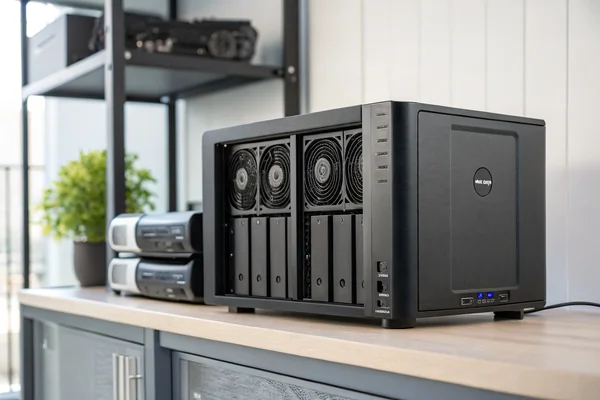
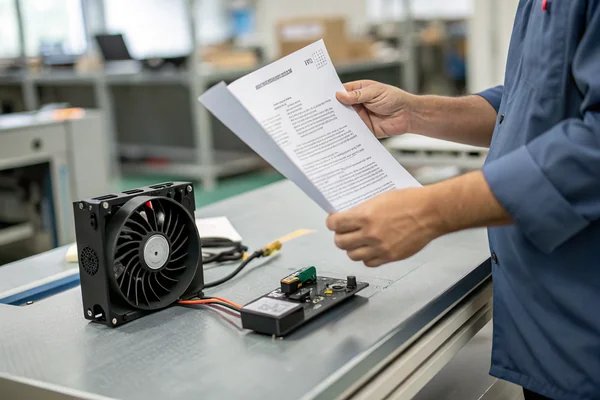
Is your device overheating because a fan isn't working right? This can lead to system-wide failures.1 Learning how to diagnose the problem correctly is the first step to a reliable fix.
To test a DC fan, first, inspect it for obvious signs like unusual noise, slow rotation, or excessive vibration. Next, confirm that it's receiving a stable voltage from the power supply. If it still doesn't work, the issue may be with the internal motor or bearings.
Testing a fan is more than just seeing if it spins. It's about figuring out if it's the right fan for the job and if it's set up correctly. Many "fan failures" are really system-level problems in disguise. I've seen this countless times in my work. The goal is to find the root cause, not just replace a part. Let's walk through how to do a proper diagnosis, starting with the simplest checks and moving to more detailed tests.
Table of Contents
What are the first signs your fan is failing?
You hear a strange noise coming from your equipment. Ignoring it could lead to a complete shutdown. Knowing the early warning signs helps you act before a small issue becomes a big one.
Common signs of a failing fan include new grinding or rattling noises, blades spinning slower than usual, noticeable vibration, or the fan not starting at all. These symptoms often point to bearing wear, dust buildup, or an electrical motor problem.
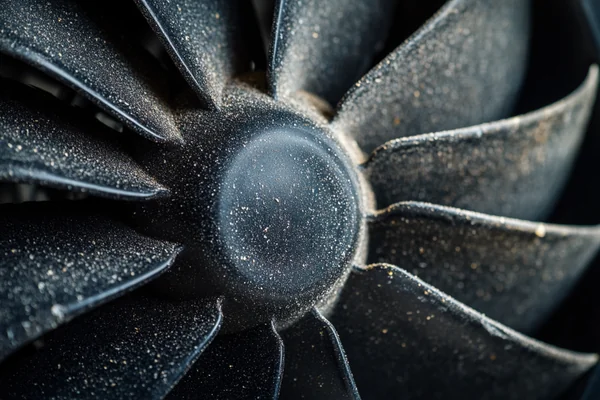
Based on the after-sales feedback we get, these signs don't always mean the fan itself is defective. Often, they are symptoms of a mismatch between the fan and the system it's in. For example, a fan that suddenly gets very loud might be working too hard against high air resistance, something we call system impedance. It's pushing air into a space that's too restrictive for its design. This is a system design issue, not a fan fault. Before you blame the fan, think about the environment it's operating in. A fan that passes a simple bench test might still struggle in a hot, dusty enclosure with blocked vents.
Here are some common signs and what they might really mean:
| Symptom | Common Assumption | Potential Root Cause (System-Level) |
|---|---|---|
| Increased Noise | The fan bearing is bad. | High system impedance; Fan is running at max RPM constantly. |
| Vibration | The fan is unbalanced. | Loose mounting screws; The structure it's mounted on is resonating. |
| Slow Speed | The motor is failing. | Unstable power supply; Incorrect PWM signal; Airflow is blocked. |
| Does Not Start | The fan is dead. | No power; Wires are disconnected; The controller isn't sending a signal. |
How can you do basic testing without special equipment?
You think a fan has failed. You don't have any specialized tools to confirm it. The good news is, you can perform simple and effective tests using just your eyes and ears.
First, disconnect the power and spin the blades with your finger. They should rotate freely without any grinding or scraping sounds. Next, reconnect the power and watch if it starts up reliably. Listen for abnormal noises and feel for excessive vibration.
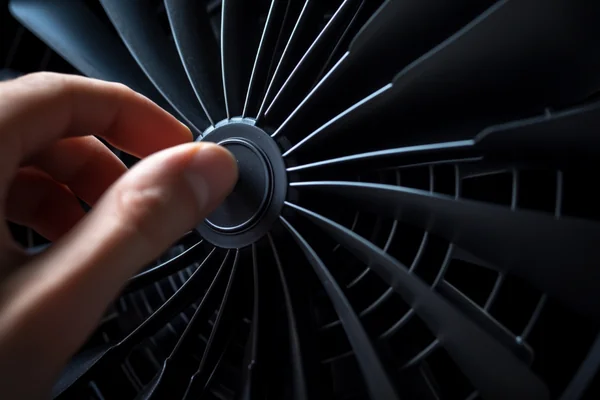
Before you even touch the fan, look at its surroundings. From our quality control data, we know that external factors are a primary cause of perceived failures. Is the power supply stable? Is the wiring correct and secure? Are there any physical obstructions blocking the airflow, like bunched-up cables or a clogged dust filter? A fan that seems "weak" might just be starved for air. I recommend starting with these external checks because they're often the easiest to fix. A fan's performance on a datasheet is measured in a perfect lab. Your product is the real world. A fan that works perfectly on an open bench might fail inside a compact, hot enclosure. So, test the fan where it actually lives to understand how the system affects its performance.
How do you use a multimeter to test fan wiring?
You suspect there is a wiring issue. An unreliable connection can cause intermittent problems that are hard to track down. A quick test with a multimeter can confirm the fan's electrical health.
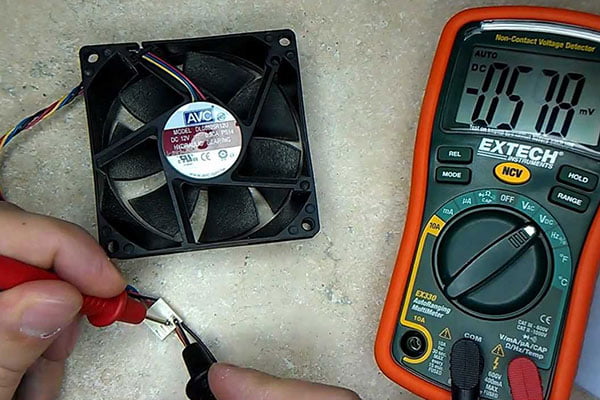
Set your multimeter to the DC voltage setting. Connect the red probe to the fan's positive wire (usually red) and the black probe to the negative wire (usually black). The reading should match the fan's rated voltage, like 12V or 24V.
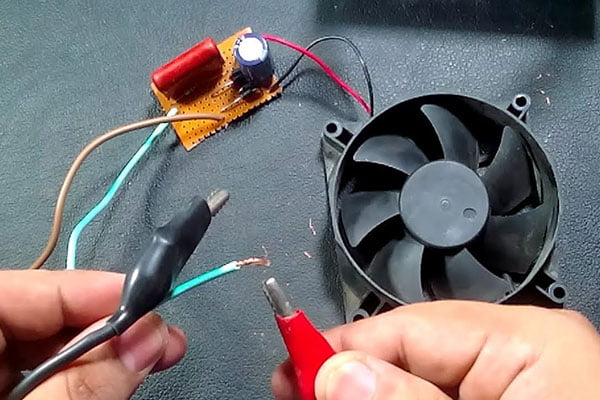
Checking the power wires is just the start. Many modern DC fans have a third or fourth wire for control and monitoring. A common issue reported by our customers is actually caused by incorrect connections for these signal wires. If your fan has a yellow wire, that's typically the FG (Frequency Generator) or tachometer signal, which reports the fan's speed back to the system. A blue wire is usually for the PWM (Pulse Width Modulation) signal, which allows the system to control the fan's speed. If these aren't connected correctly, a fan might run at full speed all the time or not run at all. Using a multimeter, you can check for a voltage signal on the PWM wire to see if the controller is trying to command the fan.
Here’s a basic guide to fan wires:
| Wire Color | Function | What to Check |
|---|---|---|
| Red | Positive (+) | Should have the fan's rated DC voltage (e.g., +12V). |
| Black | Ground (-) | Your reference point for all voltage measurements. |
| Yellow | FG / Tachometer | Outputs pulses. Hard to test without an oscilloscope, but check for secure connection. |
| Blue | PWM Control | Receives a signal. Check for a varying voltage (if your meter is fast enough) or a steady voltage. |
What are the most common failure causes and fixes?
Your fan failed, and you replaced it. But now the new one has failed, too. Replacing parts without understanding the root cause is a waste of time and money. You need a permanent solution.
The most common causes of fan failure are bearing wear from heat and dust, motor burnout from electrical stress, and physical damage. The right fix is often to improve the system's environment, not just to swap the fan for an identical one.
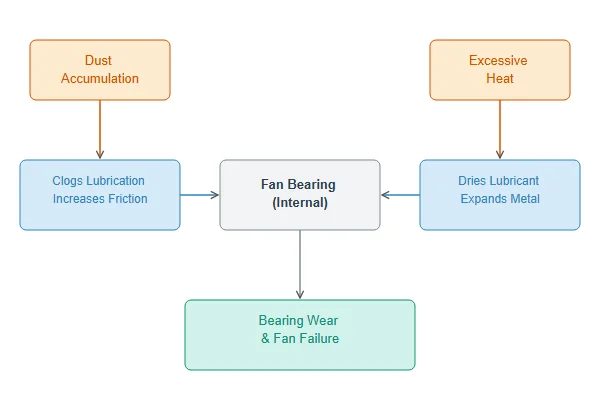
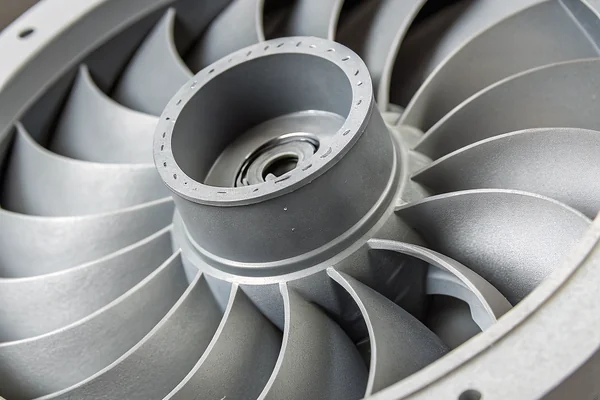
In my experience as a supplier, the fan is rarely the true root cause. It's usually a symptom of a larger system design issue. For instance, bearings don't just wear out on their own; they fail because of excessive heat or contamination. If your product runs hot, the fan's lubricant can break down faster, leading to premature failure. The fix isn't just a new fan; it's better ventilation for the entire enclosure. Another classic example is using a standard axial fan in an application with high back pressure, like a dense heatsink or a restrictive filter. The fan will spin, but it won't move much air, and the motor will be under constant strain. The correct fix is to switch to a blower-style fan, which is designed to handle high static pressure.
| Problem | Root Cause (System-Level) | Recommended Fix |
|---|---|---|
| Bearing Failure | High ambient temperature, dust, or constant high-RPM operation. | Improve system ventilation, add dust filters, or use a fan with a higher temperature rating. |
| Motor Burnout | Unstable voltage supply or stalled rotor from an obstruction. | Stabilize the power supply and ensure the fan inlet/outlet is clear. |
| Insufficient Airflow | High system impedance (airflow path is blocked or too narrow). | Use a high-static-pressure fan (like a blower) or redesign the airflow path. |
Should you replace or repair a failing fan?
Your DC fan is making noise or running slow. You are not sure if it is worth the effort to fix it. Knowing when to simply replace the unit can save you time and prevent future problems.
For almost all compact DC axial fans, replacement is the correct choice. The low cost of a new fan is far less than the labor and specialized parts needed for a repair. Repairing these sealed, integrated units is generally not practical or cost-effective.
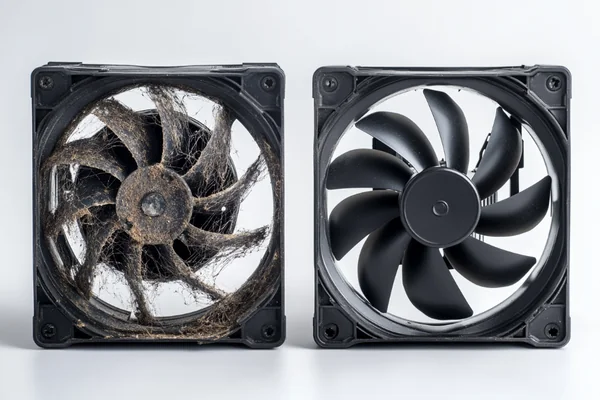
The internal components of a DC fan, like the motor windings and ball bearings, are precisely assembled and often sealed at the factory. Attempting to open one up to, say, lubricate a bearing usually does more harm than good and voids any warranty. Given that a brand-new, reliable fan can be sourced for a very low cost, spending an hour of a technician's time on a repair just doesn't make financial sense.
The more important question is what to replace it with. If a fan fails prematurely, don't just order the exact same model. This is a clear signal that the original fan was not the right fit for the application's demands. Treat the failure as an opportunity to re-evaluate. Does the system need a fan that can handle higher temperatures? Does it need a fan with better dust protection (a higher IP rating)? Or does it need a fan with a different airflow-to-pressure characteristic? This is where you should analyze the root cause and select a replacement that solves the underlying system problem.
Conclusion
Troubleshooting a DC fan is about looking at the whole system. A fan's failure is often a symptom of a larger issue, like high heat, blocked airflow, or an electrical problem.
"Chapter 4. Basic Failure Modes and Mechanisms", https://parts.jpl.nasa.gov/mmic/4.PDF. A source can explain that fan failure leads to a rapid increase in internal temperature, which can cause processors to throttle performance or shut down, and in sustained cases, can permanently damage heat-sensitive electronic components, leading to system-wide failure. ↩

Liang
I've been working with DC fans for 30 years — long enough to have seen the industry evolve from basic sleeve bearing designs to today's high-efficiency, IP68-rated systems built for the harshest environments imaginable. I founded Herays because I believed manufacturers and engineers deserved a supplier who could talk technical from day one. Not just hand over a datasheet, but actually help you select the right fan for your thermal load, your enclosure, your certification requirements. Most of what I write here comes directly from problems I've solved on the factory floor or in customer applications — medical devices, laser equipment, industrial automation, you name it. If it involves moving air efficiently and reliably, I've probably spent time thinking about it. When I'm not obsessing over airflow curves, I'm usually helping a customer figure out why their cooling system isn't performing the way their simulation said it would.
View all posts by Liang