You have your new fans, but now you face a confusing choice: should they blow air in or out? This decision can make or break your cooling, trapping heat and hurting performance.
The best orientation depends on your specific system and goals. Intake fans ("fan-in") bring cool ambient air to heat-sensitive components. Exhaust fans ("fan-out") remove hot air from the case. An effective cooling system requires a balanced combination of both to create a clear airflow path.
As a fan supplier, one of the most common questions I get is whether it's better to set up fans for intake or exhaust. People often look for a single "best" answer, but the truth is more interesting. The real goal isn't just to blow air around; it's to create an efficient thermal highway. Cool air needs a clear entrance, a path across your hot components, and a dedicated exit. Thinking about the entire path, instead of just one fan, is the key to unlocking great cooling performance. Let's walk through how to build that path.
Table of Contents
How Is Axial Fan Orientation Explained?
You see arrows molded into the fan's frame, but what do they really mean for your setup? Getting this wrong can completely reverse your airflow plan, turning your cool intake into a hot exhaust.
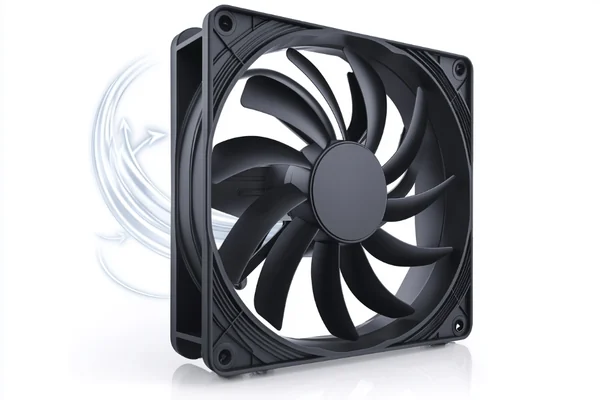
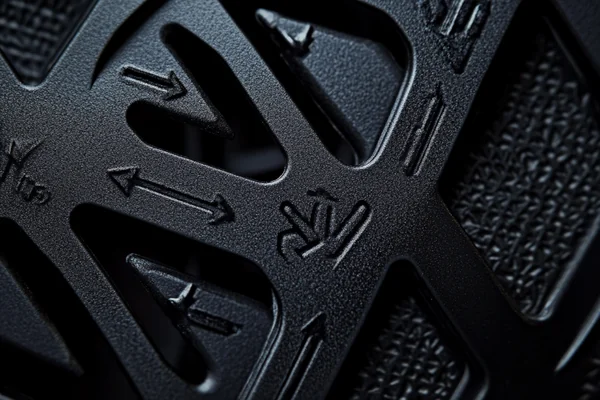
Axial fan orientation simply determines the direction of airflow. On most fans, you'll find two arrows. One indicates the direction the blades spin, and the other, more important arrow, points in the direction the air will travel. This tells you if it's an intake or exhaust.
Let's break this down further. When we talk about orientation in a system, we are usually deciding between two main strategies: positive pressure or negative pressure. This sounds technical, but it's a simple concept that has a big impact on dust and cooling efficiency. It’s a choice I help engineers and builders make every day.
- Positive Pressure: You have more fans pulling air into the case (intake) than pushing it out (exhaust). Air is forced out through every unfiltered crack and vent.
- Negative Pressure: You have more fans pushing air out of the case (exhaust) than pulling it in. Air is sucked in through every available opening, including unfiltered ones.
Here is a simple table to help you decide which is right for you:
| Pressure Type | Pros | Cons |
|---|---|---|
| Positive | - Reduces dust buildup because air is pushed out of gaps.1 - Ensures a steady supply of cool air for components. | - Can create pockets of stagnant hot air if exhaust is insufficient. |
| Negative | - Excellent at removing hot air quickly. - Can help pull cool air into hard-to-reach areas. | - Pulls dust and debris in through every unfiltered opening.2 - Can "starve" components if intake is too restricted. |
Choosing between them depends on your environment. For a dusty workshop or home, positive pressure is often better. For a clean server room, negative pressure can be very effective.
When Should You Use a Push Configuration (Blowing Into a Heatsink)?
Your CPU is getting hot, and you're staring at the cooler. Should the fan push air directly into the metal fins? The wrong choice can leave hot spots and limit your cooler's potential.
A push configuration, where the fan blows air into a heatsink or radiator, is ideal for overcoming high resistance. This setup uses the fan's static pressure to force cool air through dense fin stacks, making it the standard for most CPU coolers and radiators.
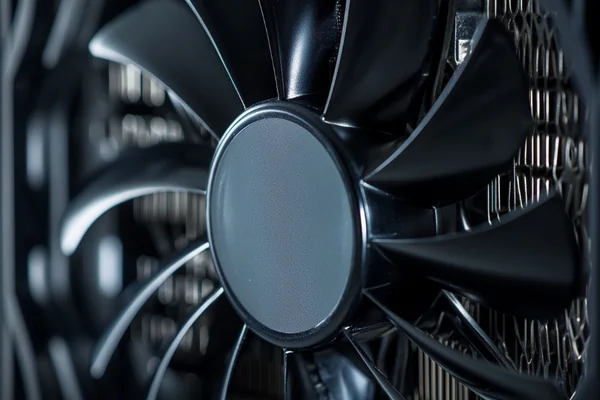
When I work with product designers, we often talk about static pressure. Think of it as the fan's "pushing power." When air hits an obstacle like a dense heatsink or a dust filter, it slows down and builds up pressure. A fan with high static pressure is strong enough to keep the air moving through that resistance. This is why the push configuration is so popular. It places the highest-pressure airflow right at the entrance of the fin stack, ensuring the cool air makes it all the way through. The fan's frame also helps to channel the air, preventing it from escaping out the sides before it has done its job of collecting heat. This direct, focused approach is great for cooling specific, high-temperature components.
Here are the best times to use a push setup:
| Scenario | Why It Works Well |
|---|---|
| CPU Air Coolers | Forces cool air through the dense fins to cool the CPU directly. |
| AIO Radiators | Overcomes the high airflow resistance of the radiator fins. |
| Dense Dust Filters | Provides the power needed to get fresh air into the case. |
| Spot Cooling | Directs a high-velocity stream of air onto a specific hot chip, like a VRM or SSD. |
When Is a Pull Configuration Better (Sucking Air Through)?
Is pulling air through a heatsink ever a good idea? Many builders assume it's less effective, but they're missing key situations where this setup can actually be better for noise and maintenance.
A pull configuration, where the fan is placed on the exit side of a heatsink to suck air through it, is useful for reducing noise3 and simplifying cleaning. It's effective with low-density fin stacks and helps exhaust hot air away from the surrounding area immediately.
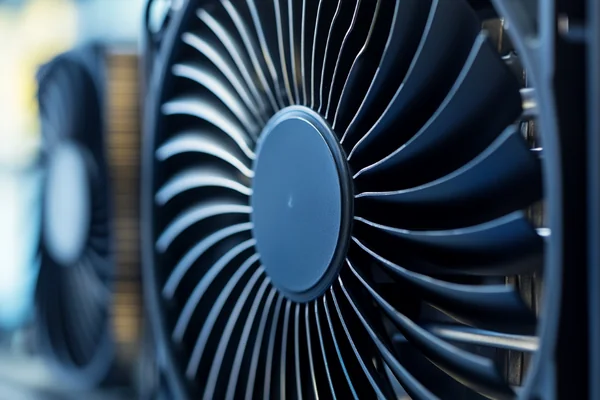
A pull configuration works differently. Instead of forcing air in, it creates a low-pressure zone that draws air through the heatsink. One of its main advantages is acoustic. The turbulence created by the air hitting the fan blades happens on the exit side, away from the main chassis area, which can sometimes result in a quieter setup. Another benefit I often point out to customers is maintenance. Dust tends to gather on the side where air enters the heatsink. In a pull setup, this means dust collects on the open face of the radiator, making it much easier to wipe away without having to remove the fan. While it might be slightly less effective than push on very dense heatsinks, it excels when you want to draw air more evenly across a wider or less restrictive surface area.
Consider using a pull setup in these situations:
| Scenario | Why It Works Well |
|---|---|
| Easy Maintenance | Dust collects on the exposed face of the heatsink, not between the fan and fins. |
| Noise Reduction | Air turbulence is on the exhaust side, which can lead to a smoother sound profile. |
| Low-Density Heatsinks | When resistance is low, pulling air can be just as effective as pushing. |
| Space Constraints | If there is no room to mount a fan on the front of the heatsink. |
What Are the Benefits of a Push-Pull Configuration?
You want the absolute best cooling performance. Is adding a second fan for "push-pull" just for looks, or does it really make a difference? Ignoring it could mean leaving performance on the table.
A push-pull configuration uses two fans on a single heatsink or radiator—one pushing air in and one pulling air out. This combination maximizes airflow through dense fin stacks, significantly improving cooling under heavy loads4 and allowing for quieter operation at lower RPMs.
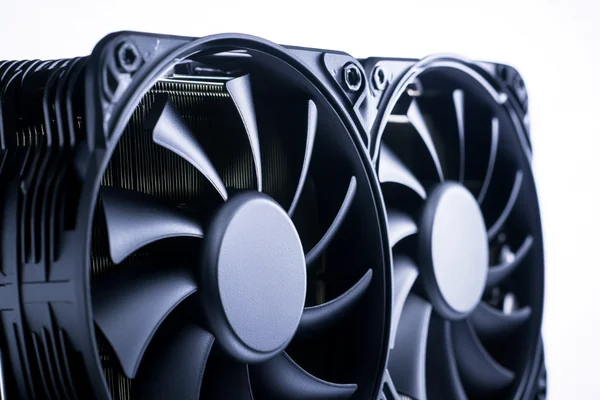
I once helped a customer who was building a high-end gaming PC. His CPU was overheating and throttling during intense gaming sessions. He thought he needed a bigger, more expensive cooler. Instead, I suggested he just add a second, matching fan to his existing cooler for a push-pull setup. It worked perfectly. The push fan provided the high static pressure to get air into the radiator, while the new pull fan helped exhaust the air, eliminating back pressure. This allowed a massive amount of air to move through the fins. The result was lower temperatures and, because he could run both fans at a slower speed, the system was actually quieter than before. This method combines the best of both worlds and is the go-to solution for anyone trying to extract maximum performance from their cooling hardware.
Here are the key benefits of push-pull:
| Benefit | Explanation |
|---|---|
| Maximum Performance | Overcomes even the highest resistance from thick radiators, leading to lower temperatures. |
| Lower Noise | Achieves the same cooling as a single fan at much lower RPMs, reducing noise. |
| Improved Airflow | The pull fan helps eliminate the "dead zone" of low airflow behind the push fan's motor hub. |
What Are the Most Common Orientation Mistakes?
You've installed all your fans, but your PC case still feels like an oven. You might have made a common airflow mistake that's trapping hot air instead of getting rid of it.
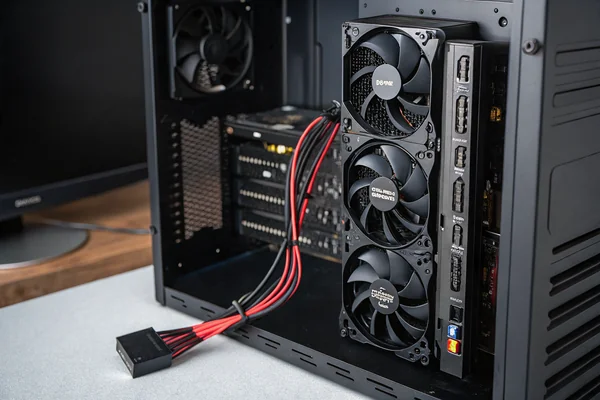
The most common mistakes are creating no clear airflow path (e.g., all fans as intake or all as exhaust) or placing intake and exhaust fans right next to each other, which causes cool air to be immediately ejected before it can cool any components.
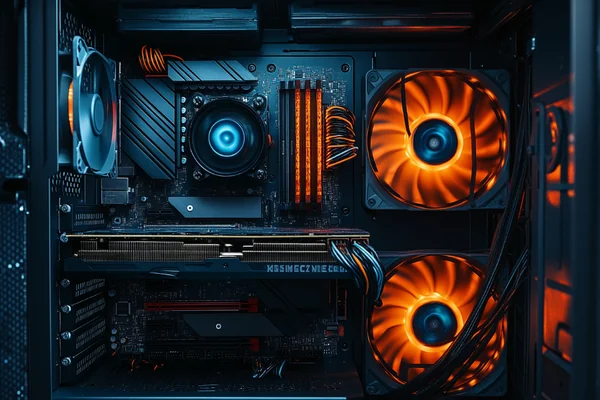
Over the years, I've seen some simple setup errors cause major headaches. These are almost always easy to fix once you know what to look for. The core idea is to create a logical path for the air. Think of it like a one-way street inside your case.
Here are the top mistakes to avoid:
- Creating a Blender: This happens when you have fans working against each other. For example, a front intake fan and a side intake fan blowing air into the same space, creating turbulence but no clear direction.
- Fighting Physics: Hot air naturally rises.5 Mounting fans on the top of your case as intakes forces this hot air back down onto your components. Top fans should almost always be set to exhaust.
- Short-Circuiting the Airflow6: Placing an intake fan right next to an exhaust fan is a classic error. The cool air comes in and is immediately sucked out, never reaching the CPU or GPU.
- No Exhaust Path: Having all your fans set to intake might seem like a good idea for positive pressure, but it creates a hotbox. Without a dedicated exhaust, the hot air has nowhere to go and just recirculates.
- Forgetting Key Components: The GPU is often the hottest part in a gaming PC. Ensure you have an intake fan positioned to blow fresh, cool air directly onto it.
Conclusion
Ultimately, choosing between fan-in and fan-out is about creating a clear path. A balanced system with both intake and exhaust, tailored to your components and case, is the key to effective cooling.
"Integration of electrostatic and fluid dynamics within a dust devil", https://scholars.duke.edu/individual/pub687569. A source in fluid dynamics or engineering can explain that positive pressure systems create an outward flow of air through unfiltered openings, effectively forming an air barrier that opposes the infiltration of dust particles. ↩
"Performance of Asbestos Enclosure Ventilation - PMC - NIH", https://pmc.ncbi.nlm.nih.gov/articles/PMC8577233/. Technical guides on electronics cooling explain that in a negative pressure setup, the lower internal pressure causes air to be drawn in through all available chassis openings. Since many of these openings are unfiltered, this method significantly increases the rate of dust and debris accumulation inside the enclosure. ↩
"Noise Levels of Push vs. Pull : r/watercooling - Reddit", https://www.reddit.com/r/watercooling/comments/bwumc7/noise_levels_of_push_vs_pull/. Acoustic analyses of fan configurations indicate that in a pull setup, the turbulence generated as air enters the fan blades occurs on the exit side of the heatsink. This can result in a smoother, less tonal noise profile compared to a push setup where the turbulence interacts directly with the fin stack, which some users perceive as quieter. ↩
"Push vs. Pull vs. Push/Pull : r/watercooling - Reddit", https://www.reddit.com/r/watercooling/comments/18vlikb/push_vs_pull_vs_pushpull/. Testing has shown that on thick radiators or dense heatsinks, a push-pull configuration can lower component temperatures by an additional 2-5°C under sustained load compared to a single-fan setup, and can achieve a target temperature at lower, quieter fan speeds. ↩
"Stack effect - Wikipedia", https://en.wikipedia.org/wiki/Stack_effect. A source on thermodynamics can explain that while hot air does naturally rise due to lower density (a principle known as natural convection or the stack effect), this force is often negligible in computer cases with active fans. The forced convection from fans is typically several orders of magnitude stronger, making fan placement for a clear airflow path the dominant factor in cooling performance. ↩
"The Impressive Impact of Airflow on Cooling - YouTube",
. In thermal management, this phenomenon is known as an 'airflow short circuit.' Technical sources define this as a situation where the cool air supply flows directly to the exhaust outlet, bypassing the heat-generating components it is intended to cool, leading to a dramatic reduction in cooling efficiency. ↩

Liang
I've been working with DC fans for 30 years — long enough to have seen the industry evolve from basic sleeve bearing designs to today's high-efficiency, IP68-rated systems built for the harshest environments imaginable. I founded Herays because I believed manufacturers and engineers deserved a supplier who could talk technical from day one. Not just hand over a datasheet, but actually help you select the right fan for your thermal load, your enclosure, your certification requirements. Most of what I write here comes directly from problems I've solved on the factory floor or in customer applications — medical devices, laser equipment, industrial automation, you name it. If it involves moving air efficiently and reliably, I've probably spent time thinking about it. When I'm not obsessing over airflow curves, I'm usually helping a customer figure out why their cooling system isn't performing the way their simulation said it would.
View all posts by Liang